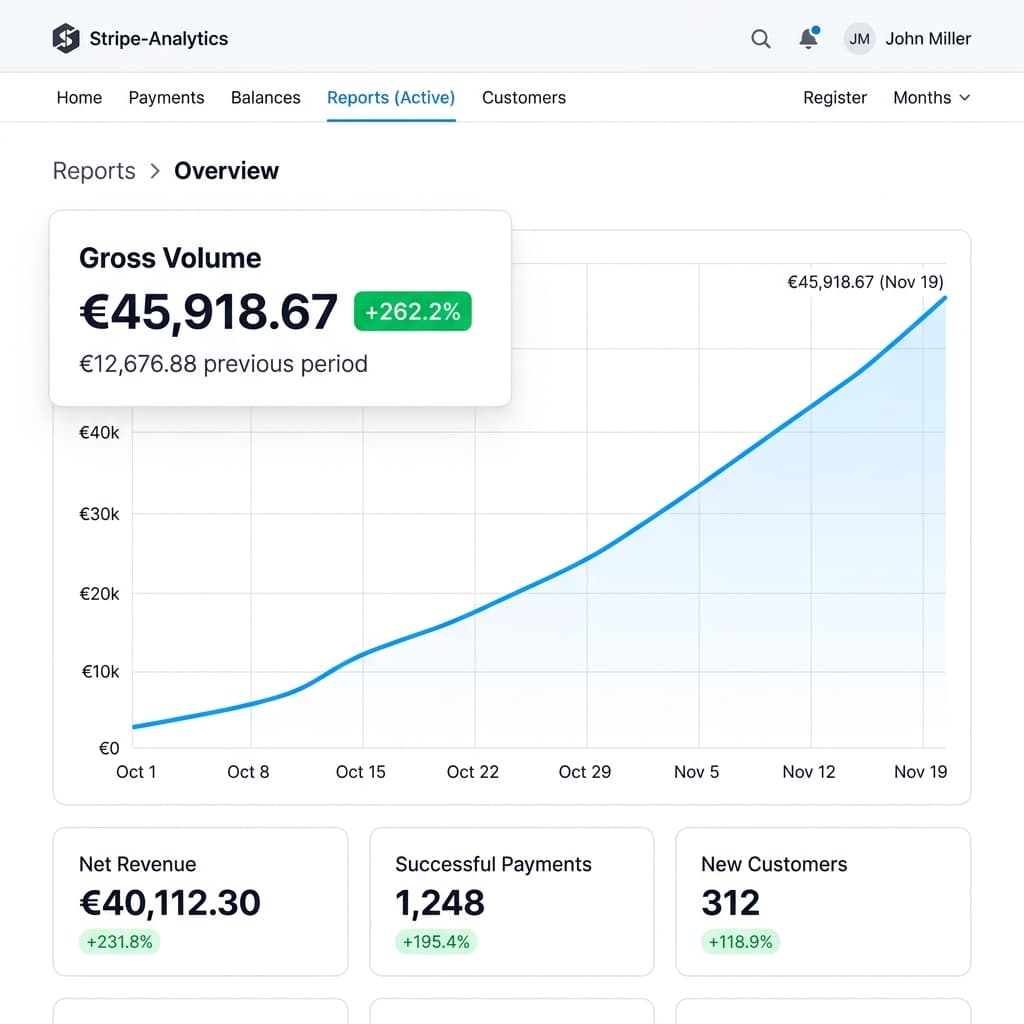
FINANCIAL DASHBOARD
SaaS Stripe-like Analytics
Vibrant sunset mesh gradient mockup presenting premium gross volume growth metrics in a large flat frame.
analytics.stripe.com
Paste a product screenshot, choose a quick style, add browser frames, text, and tasteful depth, then export a sharp PNG for X, LinkedIn, Product Hunt, decks, or landing pages.
From developer snips and creator analytics dashboards to full-bleed travel posters, style layouts in seconds.
Vibrant sunset mesh gradient mockup presenting premium gross volume growth metrics in a large flat frame.
Orange VW camper van with solid bold white lowercase typography and clean tall full-bleed light browser bar.

A serene, gorgeous photograph of a vintage bicycle on a grassy green field under a vast clear blue sky.

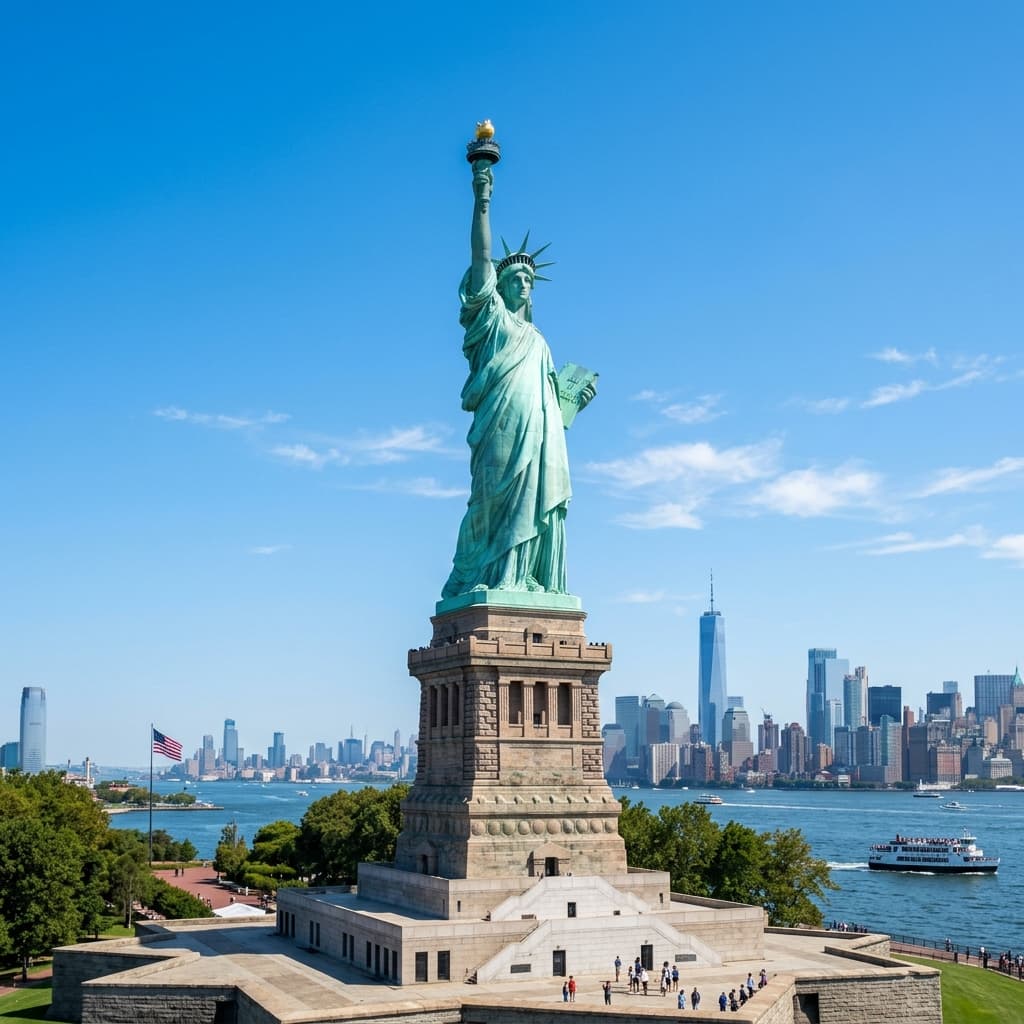
Bright blue New York postcard featuring custom readable sans-serif titles under light macOS window bar.
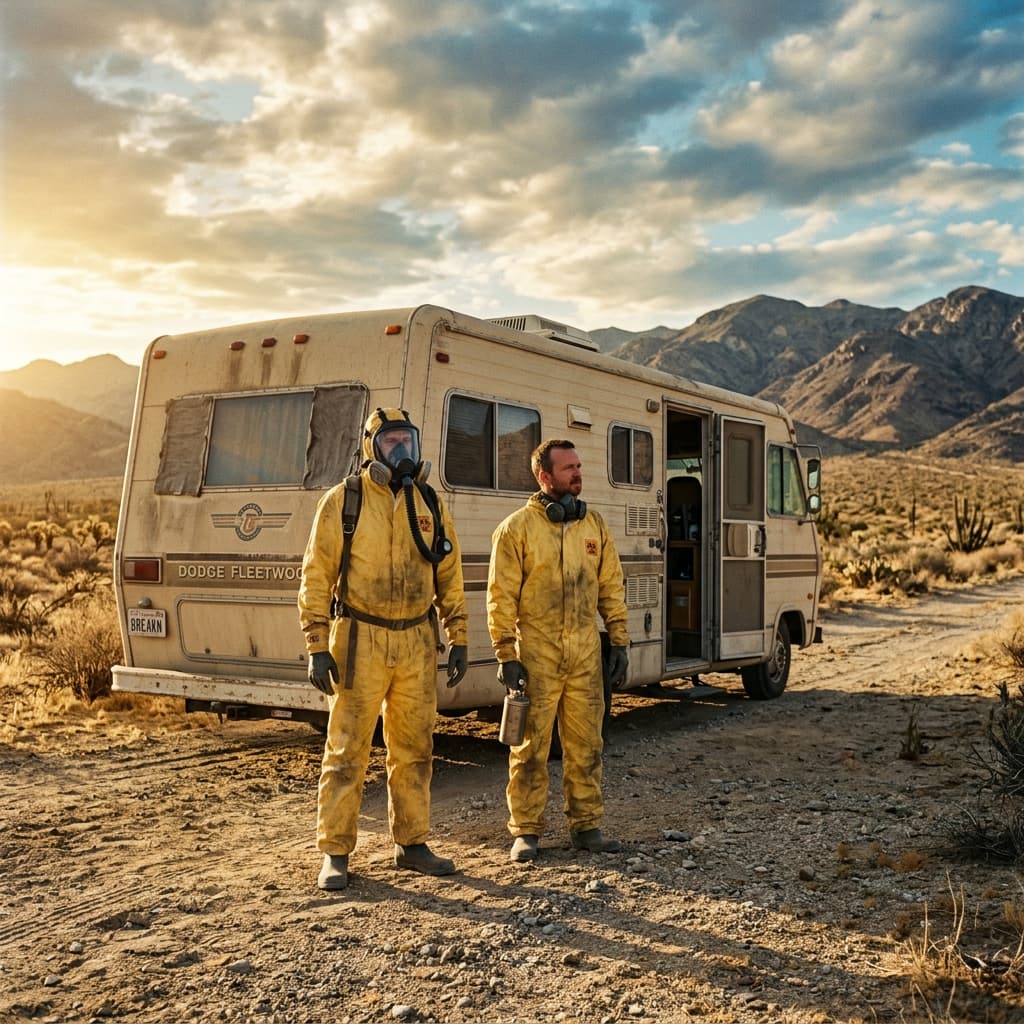
Dramatically styled desert scene inside high-resolution full-length mockups with warm amber-yellow titles.
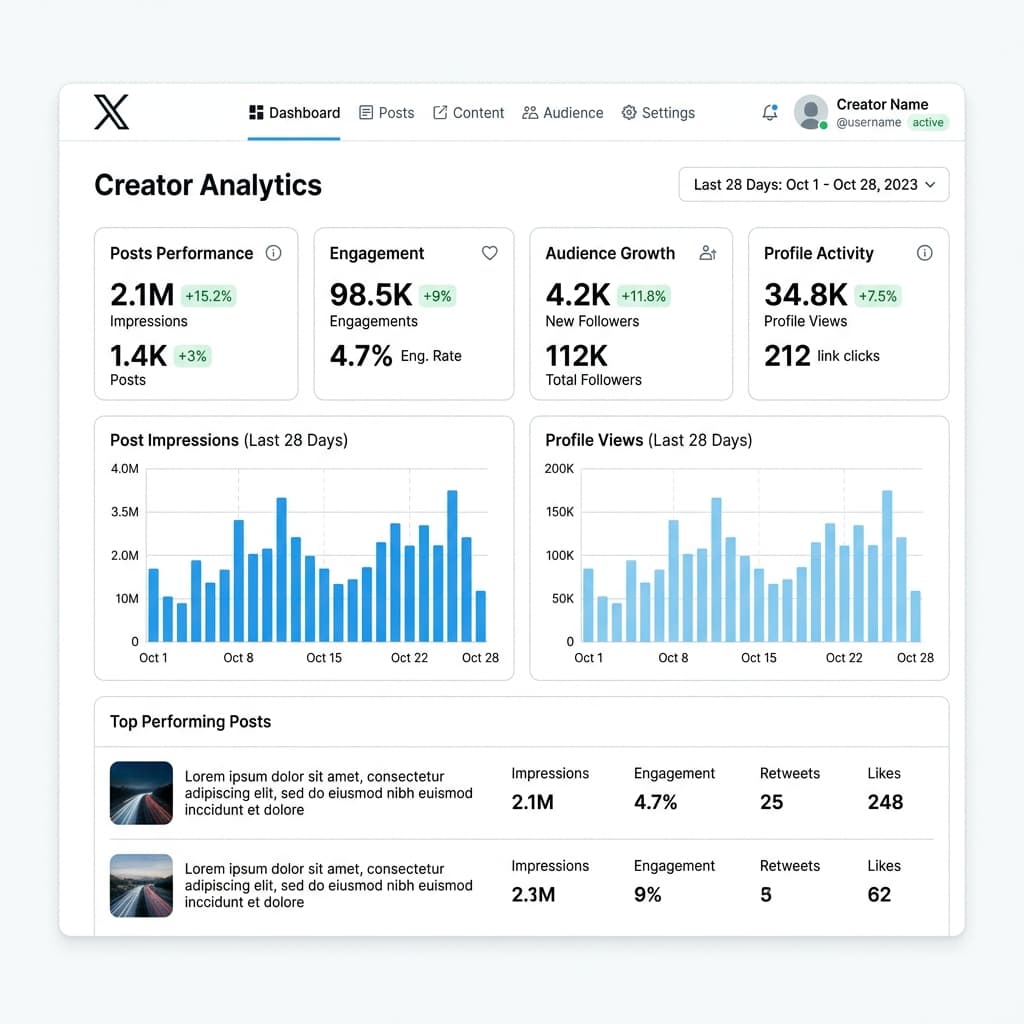
Light-mode creator performance metrics and barchart dashboard framed on a soft peach gradient.
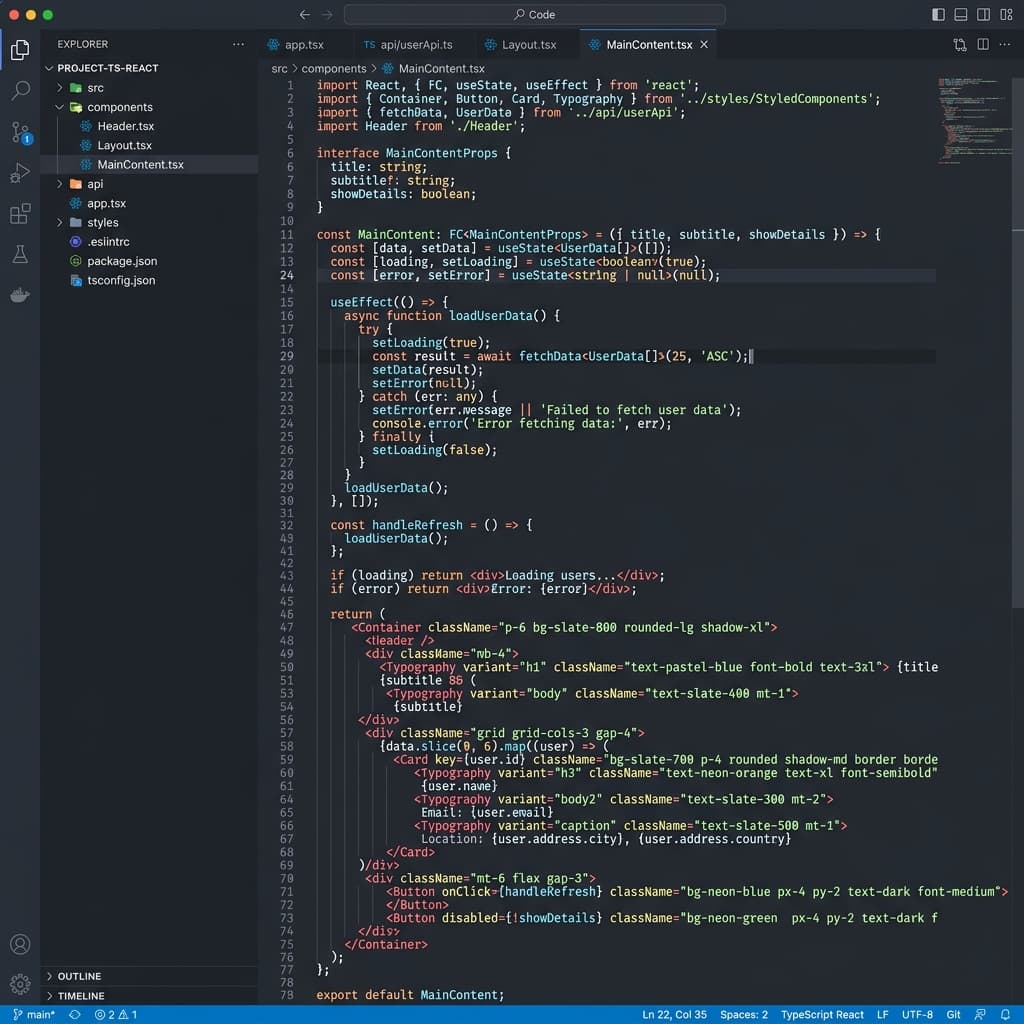
Sleek VS Code dark editor snip with React code formatted on a soft mint gradient.
Drop any PNG, JPG, or WebP image instantly.
Pick a beautiful curated gradient template.
Customize background, text, and 3D tilt.
Download upscaled PNG or copy to clipboard.
Everything you need to turn raw screenshots or visual mockups into launch-ready marketing creatives.
Instantly apply pre-designed beautiful templates, paddings, and background themes.
Wrap screenshots in highly realistic macOS dark/light address bar mockups.
Rotate and position your mockups in 3D space with dynamic perspective depth.
Add multiple bold titles, captions, and pill badges with custom fonts.
Customize unlimited backgrounds using linear, radial, or soft mesh patterns.
Auto-layout ratios optimized for X/Twitter, LinkedIn, Product Hunt, and stories.
Export clean PNG files upscaled to 1x, 2x, 4x, or 6x, or copy directly to clipboard.
Quickly manage, switch, and batch-edit multiple uploaded screenshot assets.
Zero servers, zero tracking. Perfect for private analytics and financial dashboards.
Fine-tune border-radius, scale, drop shadows, and exact canvas margin spacings.
Got questions about Snapingly? Find answers here. Keep in mind that all image processing is 100% local inside your browser—keeping your files fully secure.
Snapingly is a fast browser-based tool for turning screenshots and photos into polished, launch-ready visual creatives for social posts, landing pages, and decks.
No. All image processing happens client-side. Your screenshots and private financial data never leave your browser, ensuring absolute privacy.
We support PNG, JPG, and WebP files up to 10 MB. Perfect for dashboard screenshots or raw photographic mockups.
Download crisp, sharp PNG graphics upscaled to 1x, 2x, 4x, or 6x for retina displays, or copy directly to your clipboard for fast sharing.
Founders, software builders, designers, and creators who want professional visuals without opening complex design tools like Figma.
You'll need a free Snapingly account — sign up in seconds with Google, Microsoft, GitHub, or email. No card details required, and your images still never leave your browser.
Open the editor, paste a screenshot, choose a quick style, and export a sharp PNG without sending the image anywhere.